- 20260703
- Removed references to Twitter
- Added / updated a bunch of sections like Android and ES
- Added pictures
©2026 Chris McWain
Retro Gaming - Reloaded
August 23, 2025 at 11:29
Last updated: 20260703 - Changelog at bottom
Intro
The NES and Game Boy were cornerstones of my childhood. If we weren’t playing Mike Tyson’s Punch-Out, Super Mario Bros. 3, or Zelda, we were swapping tips and tricks at recess. Later on, in high school and the military, GoldenEye and Mario Kart 64 became the staples at hangouts. Things got so competitive that we eventually banned anyone playing as Oddjob and kicked out anyone who stayed in last place just to snag a spiky blue shell.
My office today still shows that love for the games we grew up with - shelves of Nintendo Power magazines, old posters, and references of the heroes that defined our youth. Now I get to share these great games with my kids, though most of their time is spent tinkering with the Minecraft server I host for them.
I’m usually looking for a reason to fire up the classics again. There’s always another level to beat, another run to improve, and a little further to go than last time.
Hardware
Handhelds
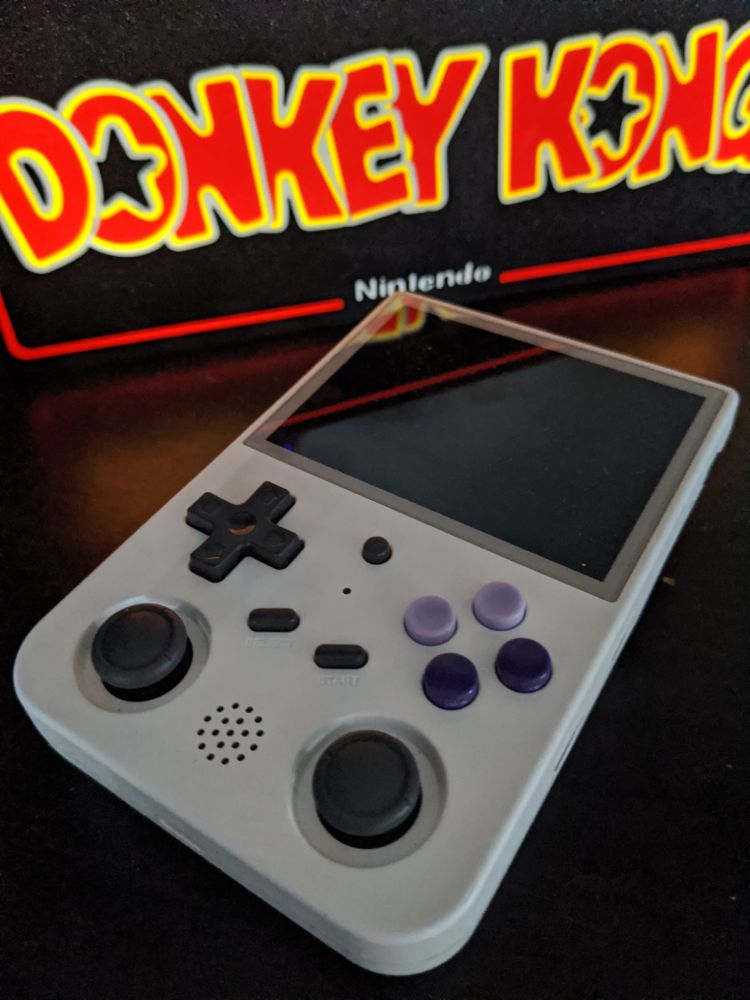
Handheld emulation devices are everywhere now. My main one is an Anbernic RG353V that I’ve modded with custom buttons and ArkOS. With a large micro SD card, it easily handles up through PS1 and N64. The battery charges via USB-C and lasts through quite a few games before needing a recharge. This is usually with me when traveling anywhere or visiting the bathroom.
MiSTer FPGA
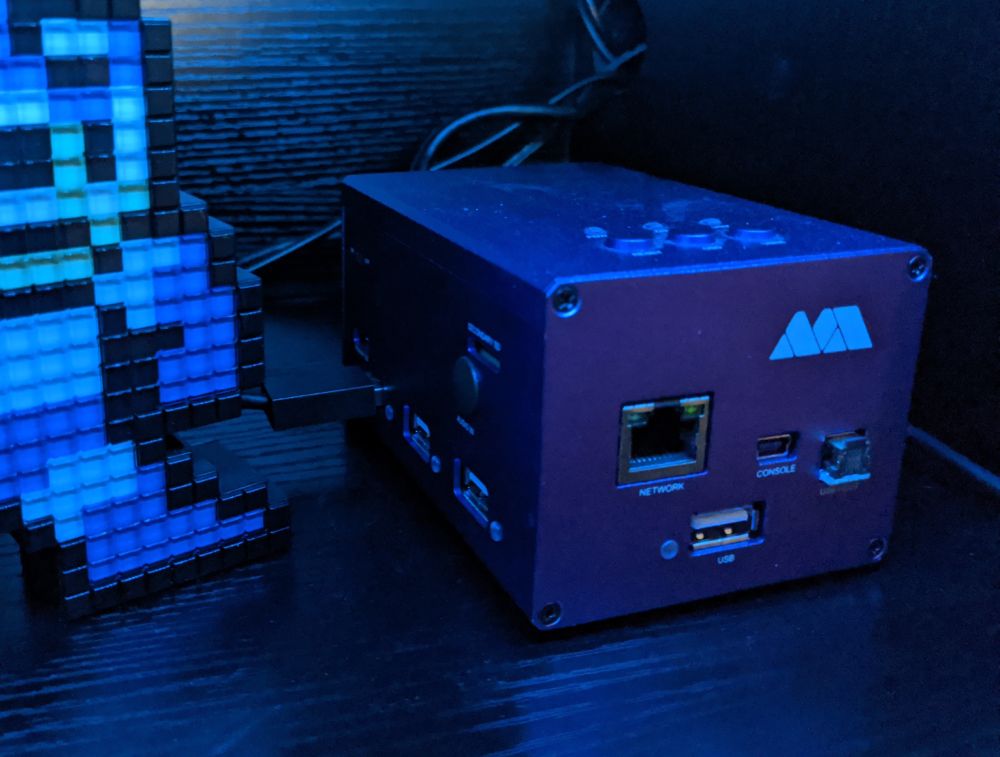
If you want the most accurate experience possible, MiSTer (with a CRT TV) is the way to go. Instead of simulating a console with software, it uses FPGA hardware to become the console. It’s super accurate, basically no input lag, and you can even use real controllers. Unfortunately there’s no RetroAchievements support here, and the setup isn’t exactly beginner-friendly. Although kits exist if you want to skip straight to playing games.
Raspberry Pi
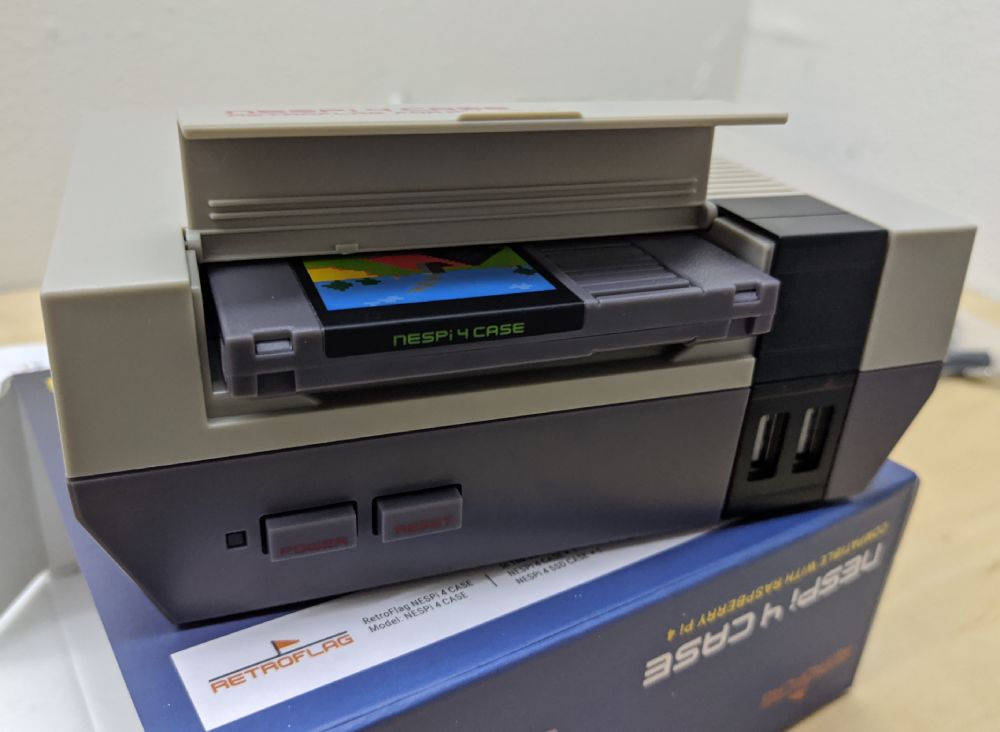
Cheap, flexible, and popular. Tons of software images (RetroPie, Recalbox, etc.) make it easy to load up a Pi and start playing. Just know that input lag can be an issue, especially with wireless controllers, so fast-response games like Mega Man 2 or Contra can throw you off quite a bit. Still, it’s a great starter project and fun to customize.
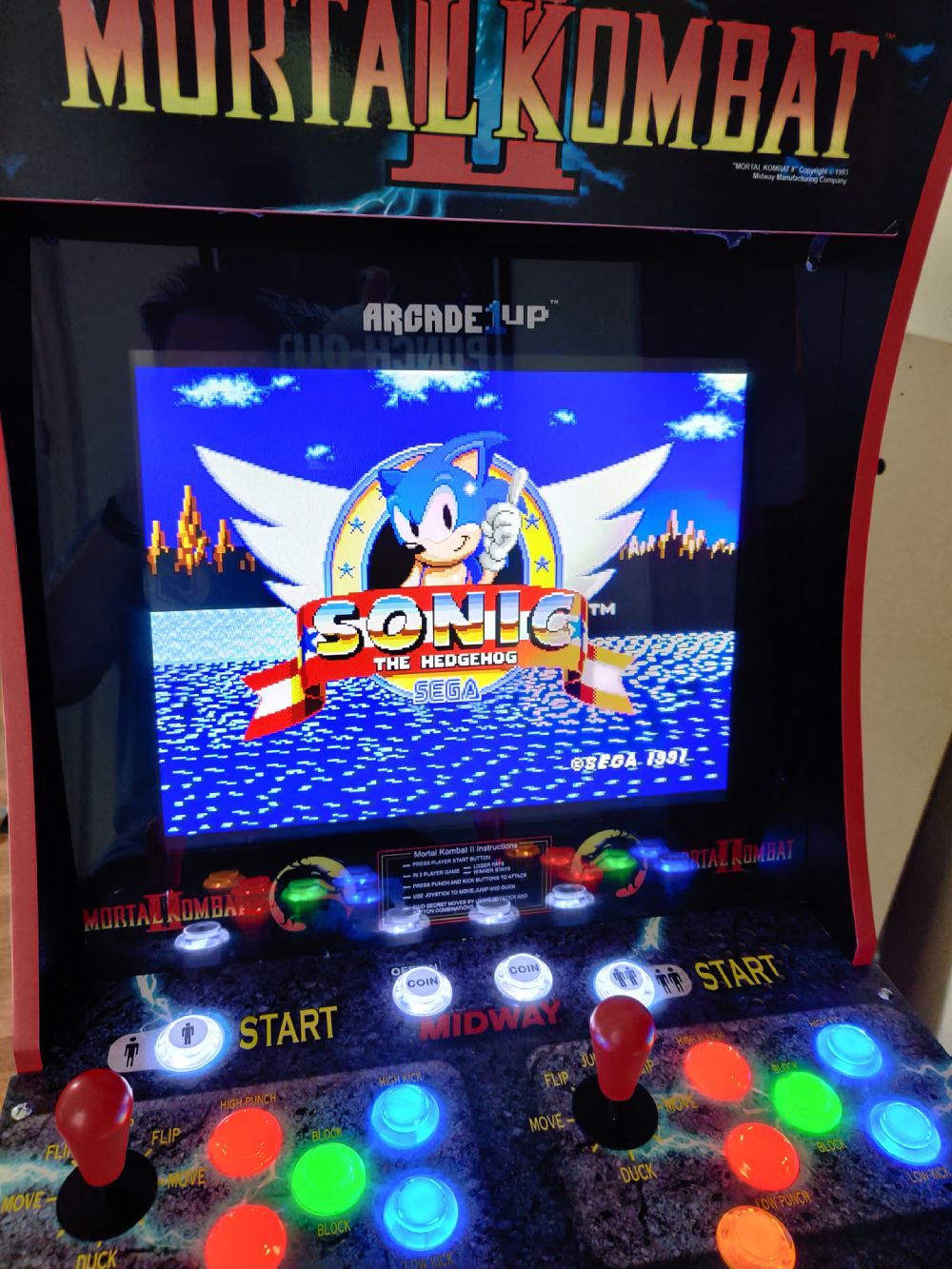
Arcade1Up
If you want an arcade feel, Arcade1Up cabinets are really cool, but they eat up space and usually need heavy modding to do more than the stock games they come with. The kids loved playing on these when they were little since they were the perfect height.
Android
Android is also a great platform for retro games. The phone that you already have has more than enough power to emulate classics all the way up through PSP and Nintendo DS.
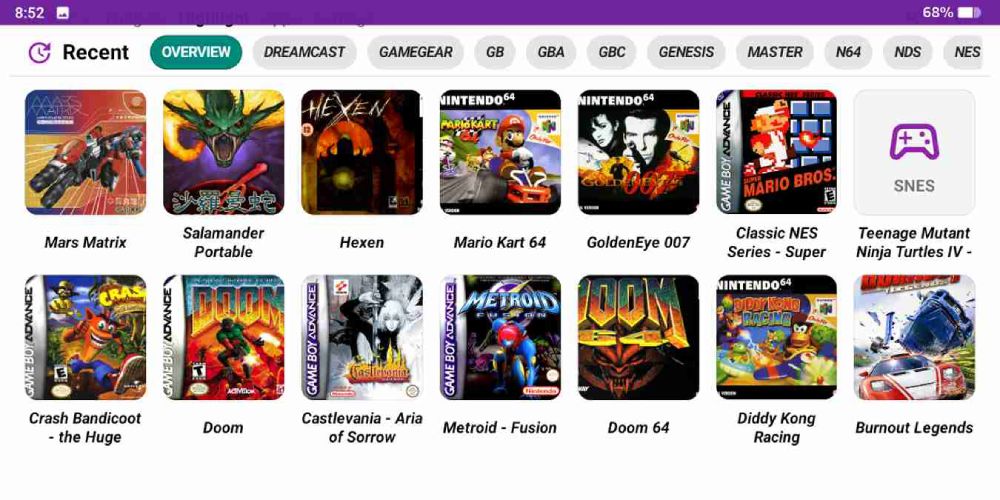
Rather than installing a separate app for every console, I recommend using Daijisho as your frontend and RetroArch for most classic systems.
Recommended Emulators
| System | Emulator |
|---|---|
| NES | RetroArch (Nestopia) |
| SNES | RetroArch (Snes9x) |
| Game Boy / Color | RetroArch (Gambatte) |
| Game Boy Advance | RetroArch (mGBA) |
| Genesis / Sega CD | RetroArch (Genesis Plus GX) |
| PlayStation | DuckStation |
| Nintendo DS | DraStic |
| PSP | PPSSPP |
For a better grip, check out 8BitDo’s Mobile Gaming Controller. It essentially turns your phone into a proper gaming handheld.
Software
RetroBat
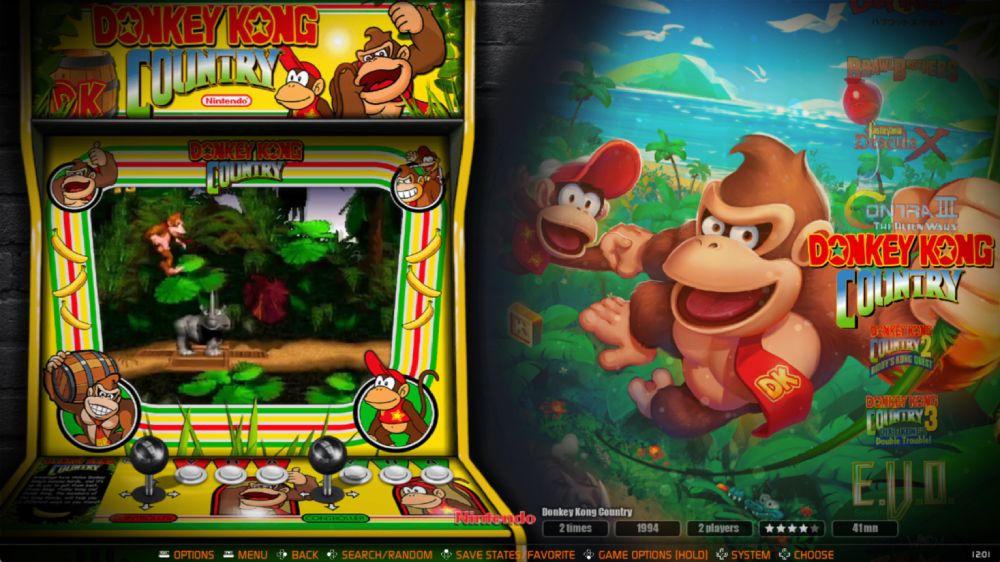
On PC, RetroBat is the easiest all-in-one option. It pulls together emulators, RetroArch, Windows games, and frontends into a single launcher. On a solid PC it can even handle Switch and PS3 emulation. Add game streaming with Moonlight and Sunshine and you can play your whole retro library on any device.
Emulation Station
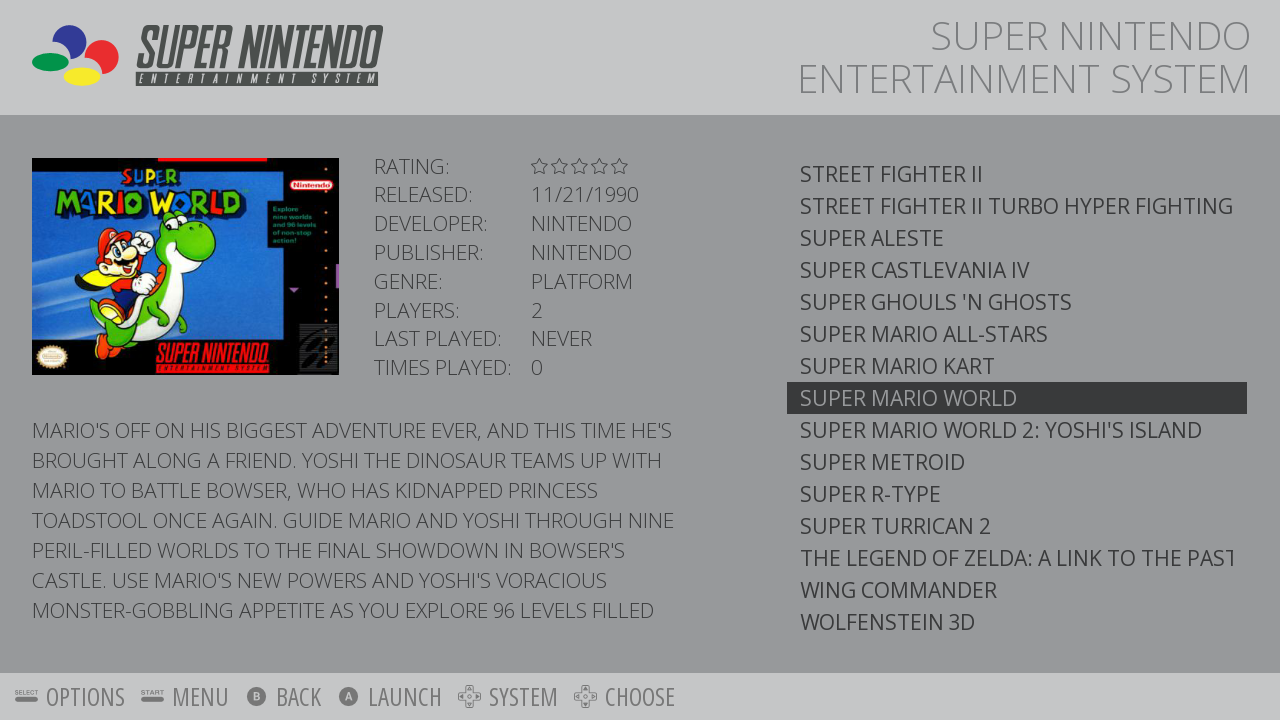
Emulation Station is the default front-end for retro Raspberry Pi installs. If you use the Raspberry Pi Imager, you’ll be familiar with the graphical interface. It’s basic, but it gets the job done.
Other Frontends
There are other frontends like LaunchBox, RetroFE, Batocera, and RetroSpin. Consoles like the Wii, Xbox, or the Nvidia Shield can also be modded for emulation.
For those looking for a quick start, sites like ArcadePunks.com offer pre-configured images, which makes it simple to download and start playing on your preferred system.
RetroAchievements
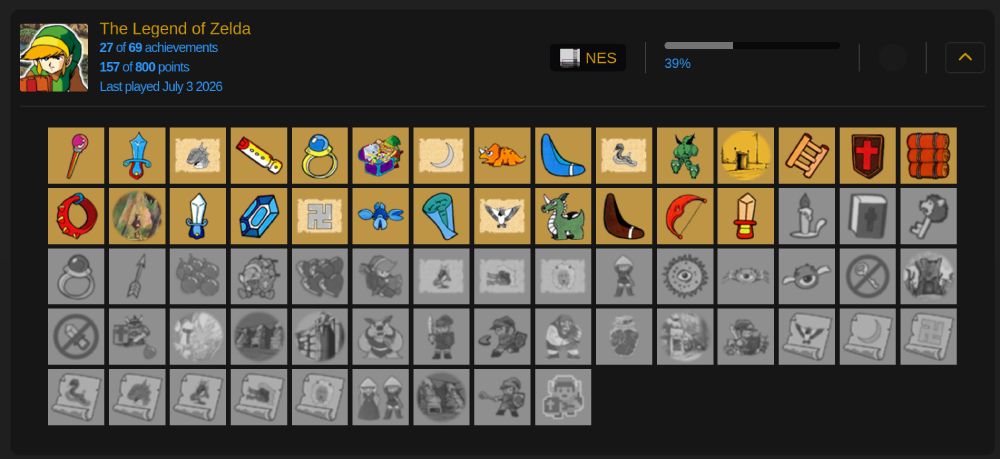
The Xbox and PlayStation have trophies that are awarded when you pass a level, beat a boss, or achieve something incredibly difficult. A small community over at RetroAchievements.org has built a similar system for thousands of retro games. Now we’re achievement hunters too. It’s a nice way to add replay value to games you already know by heart.
Wrapping Up
Retro gaming is easier now than ever before. No more fiddling with sound card settings in Nesticle on DOS or hunting for ROMs in shady corners of the internet. Today we’ve got handhelds, FPGA hardware, Raspberry Pis, and polished PC setups. Add RetroAchievements and suddenly those old games feel brand new.
AAA games might be hit-or-miss these days, but the classics are still there. Load one up, chase a few achievements, and bring your kids along. Don’t hesitate to message me if you want to tell me about your current setup!
Resources
- RetroAchievements.org - The home of community created achievements for retro games.
- Anbernic Official Site - Maker of some incredibly well-designed retro gaming handhelds.
- Custom RG353V buttons on Etsy.
- ArkOS - A much improved operating system for the Anbernic RG353V.
- Replacing / Upgrading the RG353V battery
- MiSTer Addons - Kits and parts for the MiSTer FPGA project.
- Raspberry Pi Software - Download the Raspberry Pi Imager for various OS options.
- RetroBat - A turnkey PC retro gaming frontend.
- ArcadePunks - A community site with pre-configured images and resources for various frontends.
Questions or comments?